PDF Title and Author: Edit Fields Separate from the File Name
A PDF can have the right file name while its viewer shows an outdated title. The file name and the document’s internal title and author fields are separate. Read the existing values before deciding what to change.
Last updated:
Start with viewing mode
For example, quote-2026.pdf may still carry “Old draft” as its title. Run viewing mode in the PDF information tool. Inspect page count, title, author, subject and keywords. The downloadable JSON provides a small record of these displayed fields for comparison.
Review all four editable fields
In editing mode, enter title, author, subject and comma-separated keywords. Check every field before saving: leaving one blank does not mean preserving its old value. Download the result and open it again in viewing mode to verify the intended values.
This does not sanitize the document
A company name on the page, a signature, attachments or other metadata structures are not removed merely by changing these fields. Emptying author is not anonymization. Keep a modified copy distinct from an original signed document. Processing runs in your browser; retain the original separately.
Try a real example file
This document was created for demonstration and contains no customer or employee data. Download the input and actual tool output to compare them.
Example checked on:
Settings used in this run
- Mode
- Edit
- Title
- Utilgo sample - reviewed
- Author
- Gsetsoft
- Subject
- Synthetic demonstration
- Keywords
- sample,utilgo
Checks on this example
- Input pages
- 3
- Output pages
- 3
- Document title
- Utilgo sample - reviewed
- Document author
- Gsetsoft
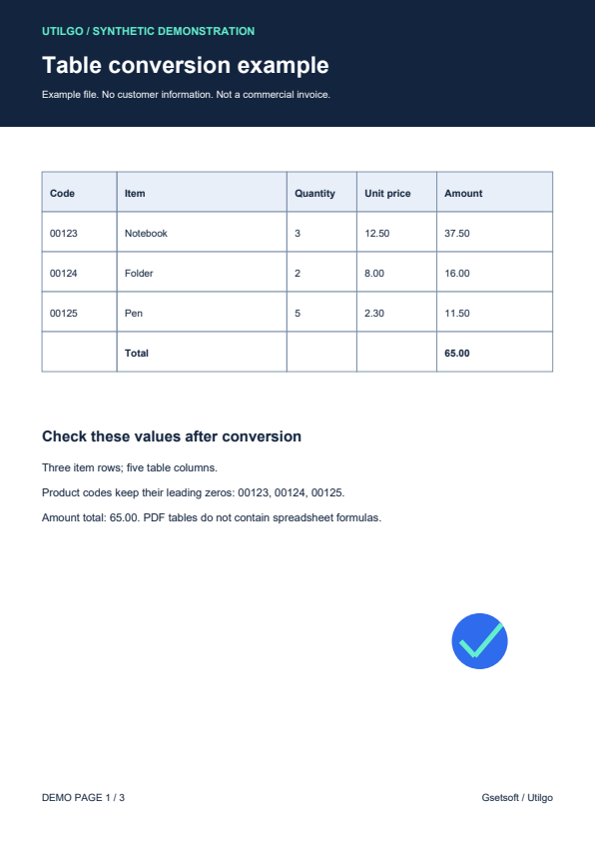
Only the example below was verified. Other files may produce different layouts or results; keep the original.