Extracting Selected PDF Pages: Check Ranges and Order
Sharing only the relevant part of a report can simplify delivery. Printed numbers, physical PDF page positions and your selection can differ. First identify exactly which pages the recipient needs.
Last updated:
Use physical page positions
With a cover and contents page, the page printed as “1” may be third in the file. Use the PDF viewer’s physical page counter for selection. Open the first and last required pages and note their positions instead of trusting footer numbers.
Try a small range
2,5-7 selects page two and pages five through seven: four pages altogether. A reversed range such as 7-5 is invalid. Selection order is respected: 5,2 places page five first. Repeating a number can create repeated copies of that page.
Distinguish extraction from deletion
Extraction places selected pages into a new PDF. Deletion leaves selected pages out. Use the separate reorder tool to rearrange an entire document. Downloading a small trial helps confirm the operation before you share the wrong section.
Open the output before sending
Check page count and the first and last pages. Include a table’s continuation or explanatory page when needed. Test links, bookmarks and forms separately; matching appearance does not prove every interaction survived. Processing happens in the browser. Retain the original.
Try a real example file
This document was created for demonstration and contains no customer or employee data. Download the input and actual tool output to compare them.
Example checked on:
This page-operation example uses a PDF with previously flattened fields. For fillable forms, separately check that fields survive page copying.
Settings used in this run
- Pages
- 1,3
Checks on this example
- Input pages
- 3
- Output pages
- 2
- Page order
- 1, 3
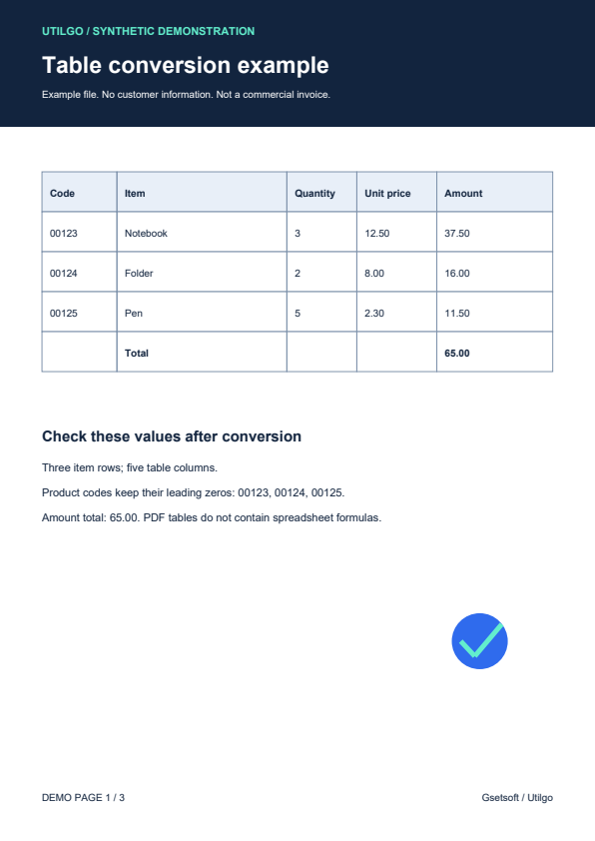
Only the example below was verified. Other files may produce different layouts or results; keep the original.