PDF Merge and Split Guide: Manage Your Files
Merging multiple PDFs into one file or splitting a large PDF into pages are frequently needed operations. This guide explains PDF merge and split methods.
Last updated:
When is PDF merging needed?
When you want to send a single file via email, merging multiple PDFs is necessary. For example: combining all pages of a contract into one file, adding attachments to the main report.
For archiving: Storing related documents in a single file simplifies file management.
For sharing: Sharing multiple files with a single link makes it easier for the recipient.
When is PDF splitting needed?
Splitting a large PDF into pages: Extracting only 5-10 pages from a 100-page report.
Separating specific pages: Extracting the signature page from a contract, extracting the summary page from a report.
Reducing file size: Splitting a large PDF into smaller pieces makes email sending easier.
Merge tips
1. Check page order. Place files in the correct order before merging.
2. Check page numbers. Page numbers in the merged file should be consistent.
3. Clean metadata. Metadata from different sources (author, title) may conflict.
4. Check file size. If the merged file is too large, compress it.
Split tips
1. Specify the page range correctly. Use ranges like 1-5, 10-15.
2. For single page extraction, specify the page number.
3. Save split files with meaningful names (e.g., 'report-pages-1-5.pdf').
4. Keep the original file. Splitting cannot be undone.
Utilgo PDF merge and split
Utilgo offers PDF merge and split tools. Reorder pages with drag-and-drop, select specific pages, and download with one click. All processing happens in the browser.
Try a real example file
This document was created for demonstration and contains no customer or employee data. Download the input and actual tool output to compare them.
Example checked on:
This page-operation example uses a PDF with previously flattened fields. For fillable forms, separately check that fields survive page copying.
Checks on this example
- Input pages
- 3
- Output pages
- 6
- Input copies
- 2
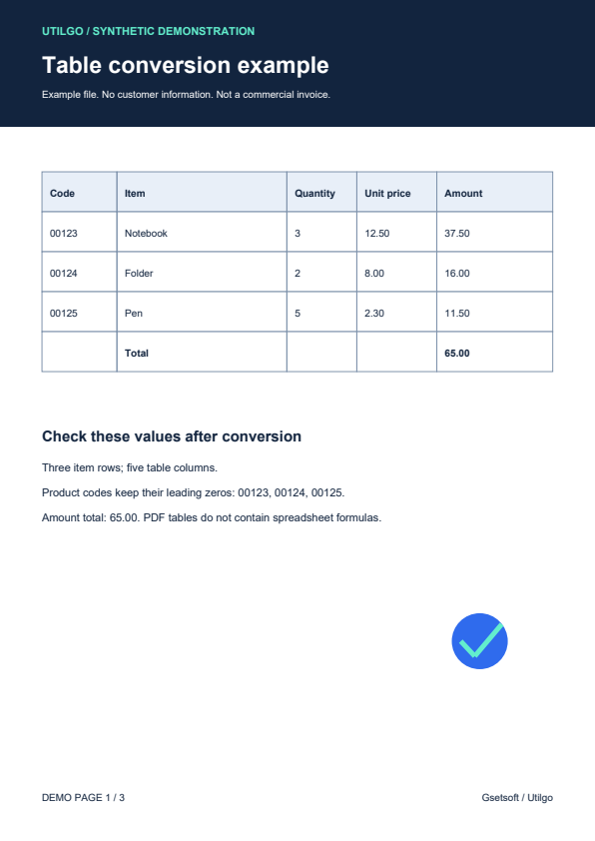
Only the example below was verified. Other files may produce different layouts or results; keep the original.
Step-by-step usage guides
Practical articles on this topic
Adding PDF Page Numbers: Before or After Merging?
Merged documents may retain different numbering systems.
PDF Guide: Creation, Editing, and Security
PDF (Portable Document Format) is the most common format for sharing documents platform-independently.
What Changed Between Two PDFs? Checking Quotes and Reports
A revised quote may keep the same total while changing a delivery date or product line.